A Casino That Travels With Members
The Magneticslots app is built as a native application for iOS and Android, tuned specifically for each platform rather than wrapped around a browser. That approach unlocks faster launch times, smoother animations, quick-tap shortcuts to favourite games and reliable push notifications for bonus arrivals. Distribution runs through the Magneticslots website directly, which is the standard route for licensed casino operators outside a handful of app store markets. A one-time installation opens the door, and the app is ready for the long haul.
Bringing the App to iOS and Android
Installation takes a slightly different path on iOS and Android because of the security differences between the two platforms. Both processes take just a few minutes and lead to the same finished app on the home screen.
Installing on iPhone and iPad
iPhone and iPad members open the Magneticslots site in Safari and tap the Download for iOS button to begin. The device prompts for permission to install a configuration profile, which is trusted through Settings under General and VPN & Device Management. Once trusted, the Magneticslots icon lands on the home screen ready to launch. iOS 13.0 or later is required, and the whole process wraps up in two or three minutes.
Installing on Android Devices
Android members switch on Install from Unknown Sources under device Settings, since the Magneticslots app lives outside Google Play. The APK downloads straight from the site and installs with a single tap, prompting for standard storage and notification permissions along the way. Compatible with Android 8.0 and later, the entire journey from download to first launch takes about two minutes on a modern handset.
What Each Platform Needs for the Magneticslots App
| Device | Minimum OS | App Size | Free Space Suggested |
|---|---|---|---|
| iPhone or iPad | iOS 13.0 | Roughly 85 MB | Around 150 MB |
| Android | Android 8.0 | Roughly 65 MB | Around 120 MB |
The App and the Browser Compared
Both the Magneticslots app and the mobile browser lead to the same account and the same lobby, so members choose freely between them. The app rewards regular players with speed and quick access, while the browser opens the door instantly without any installation. The overview below sets the two side by side for anyone weighing the choice.
Magneticslots App and Mobile Browser Side by Side
| Feature | App | Browser |
|---|---|---|
| Speed after launch | Faster once installed | Depends on connection |
| Push alerts | Delivered natively | Not available |
| Setup time | A few minutes once | None at all |
| Storage footprint | 65 to 85 MB | Cache only |
| Feature updates | Prompted in-app | Automatic online |
The Game Universe on Mobile
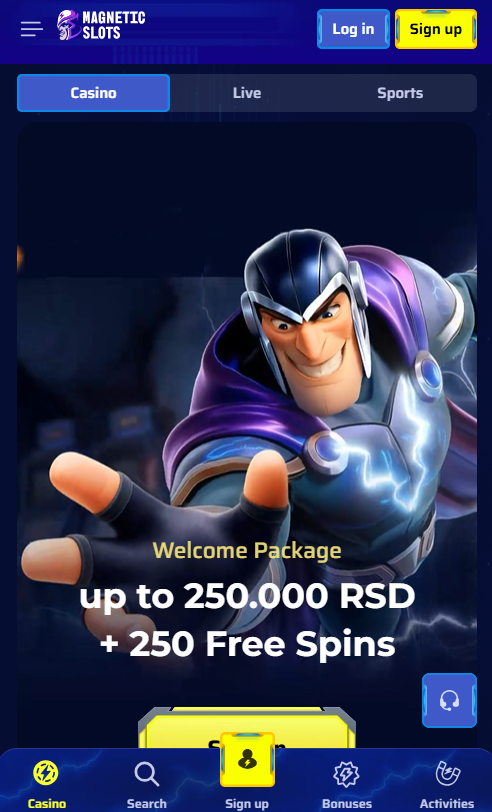
The full Magneticslots universe of more than 5,000 games travels into the app without a single title left behind. Slot reels spin in portrait for one-handed play, live dealer streams turn to landscape for a full view of the table and virtual games adapt to either orientation on the fly. The sportsbook shares the same app, with pre-match, in-play and virtual events waiting under a dedicated tab. Demo play stays available across every title, so any game can be sampled before real funds enter the picture.
What the Magneticslots App Brings to the Screen
- Every one of the 5,000-plus games from the desktop lobby, ready in portrait or landscape
- Live dealer streams from Evolution and Pragmatic Live in high-definition
- Full sportsbook with pre-match, in-play and virtual events in one tab
- Biometric login through Face ID, Touch ID or Android fingerprint
- Push alerts for new bonuses, tournament rankings and account milestones
Mobile Rewards and Ongoing Offers
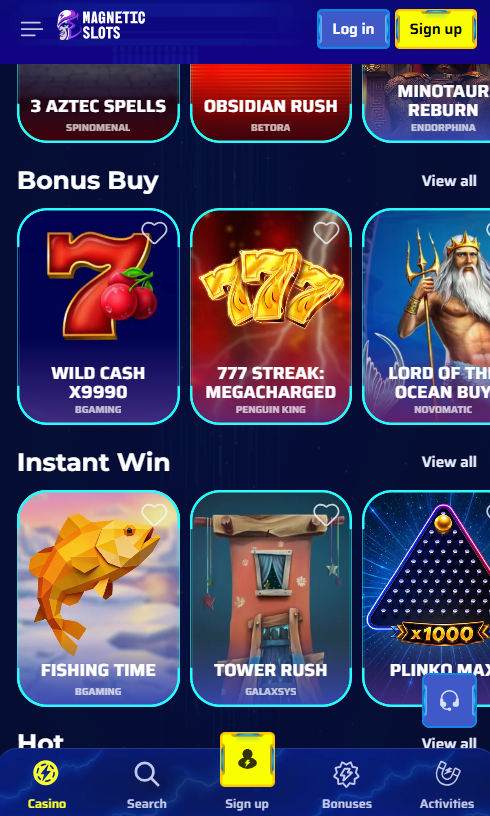
Every bonus available at Magneticslots reaches the app as well as the desktop version, including the welcome package worth up to £1,500 plus 250 free spins, weekly cashback, Sunday reload boosts, rakeback and the high-roller code 50HIGH. Activation happens right inside the mobile cashier through the opt-in tick box, and push notifications keep members updated when new offers land or existing bonuses near expiry. The full bonus lineup lives on the bonus page for a quick look ahead of any deposit.
Fast Payments on the Move
Payment options in the Magneticslots app match the desktop cashier, with two mobile-specific shortcuts. Apple Pay handles one-touch deposits on iPhone and iPad, while Google Pay does the same on Android, both bypassing card entry entirely. Cryptocurrency deposits use built-in QR scanning for quick wallet transfers, and cards, e-wallets and bank options run just as they do on the desktop version. Members who have not yet joined can complete registration straight from inside the app in a matter of minutes.